

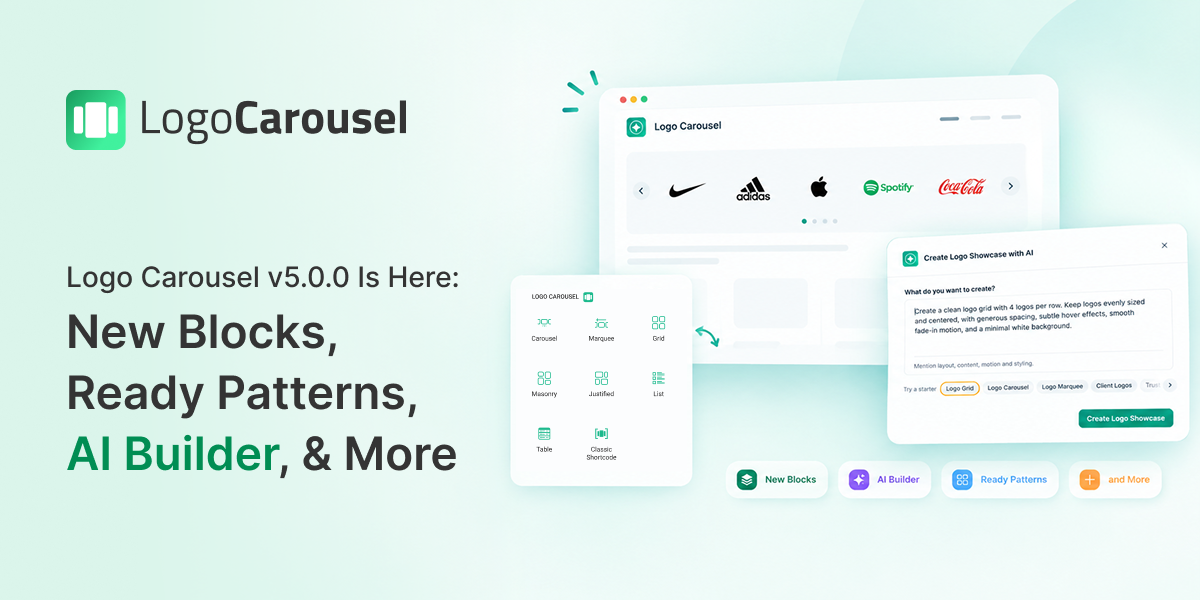
We have very exciting news to share with you. Logo Carousel v5.0.0 is officially here, and we can’t wait for you to try it.
This release has new blocks, smart modules, AI-powered tools, and smooth integrations. Together, they change the way you build logo showcases on your WordPress site. There is also a new dashboard that brings your settings, analytics, and tools into one place. Whether you are a beginner or an experienced developer, there is something for everyone.
Let’s take a tour of everything new in Logo Carousel v5.0.0.
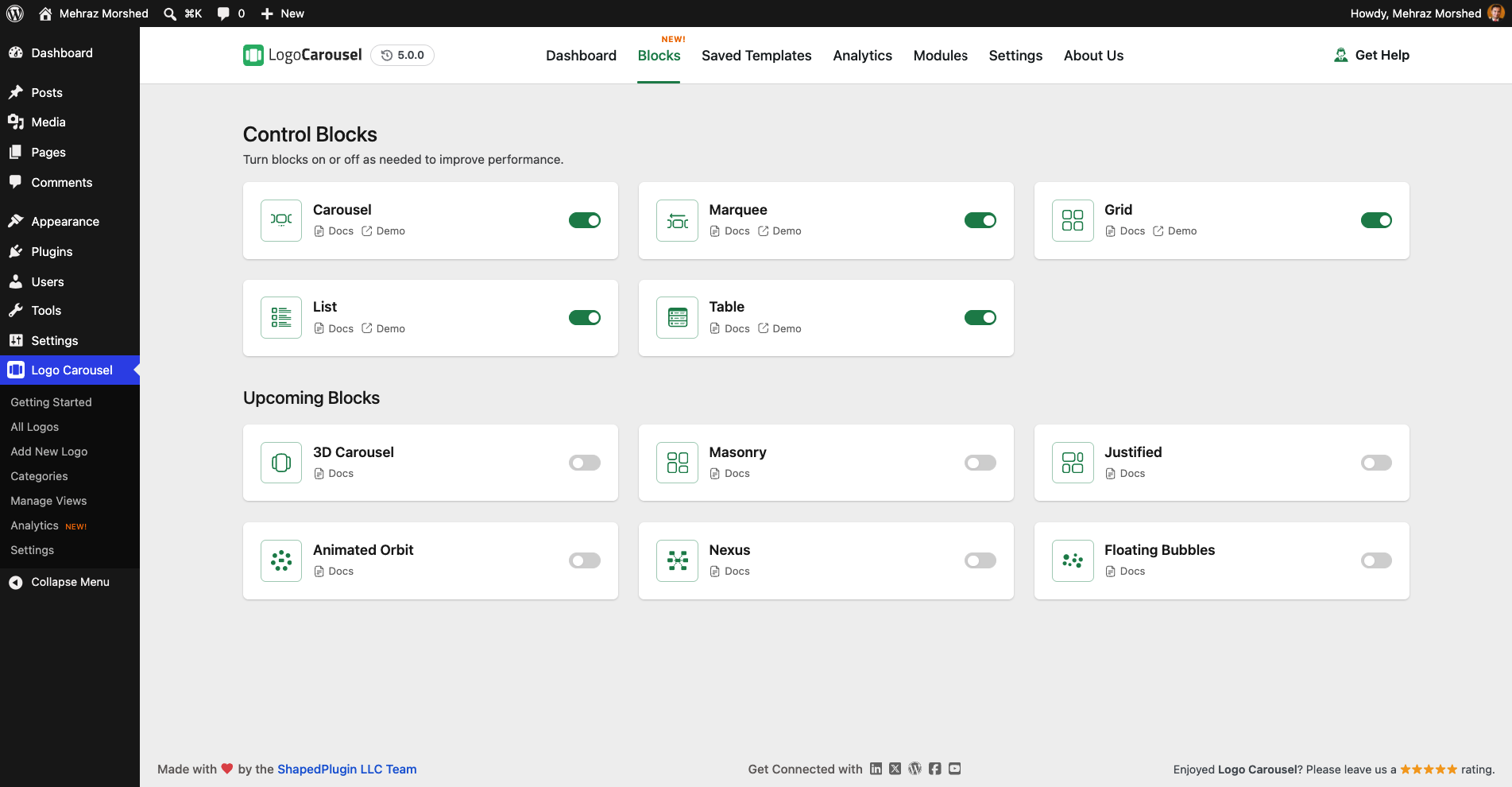
5 Brand-New Logo Blocks
Showing client logos, partner logos or sponsor logos is now as easy as adding a paragraph. Logo Carousel v5.0.0 adds five native blocks to the WordPress block editor (Gutenberg). Open the block inserter, find the Logo Carousel category, and pick the layout you need:
You add logos, arrange them and style everything right inside the editor, and you see the result as you build. No more jumping between a settings screen and your page.
Each block also comes with handy options, such as tooltips, a category filter, a search bar and Google Fonts. The Grid and List blocks support pagination too: a “Load More” button, page numbers or infinite scroll.
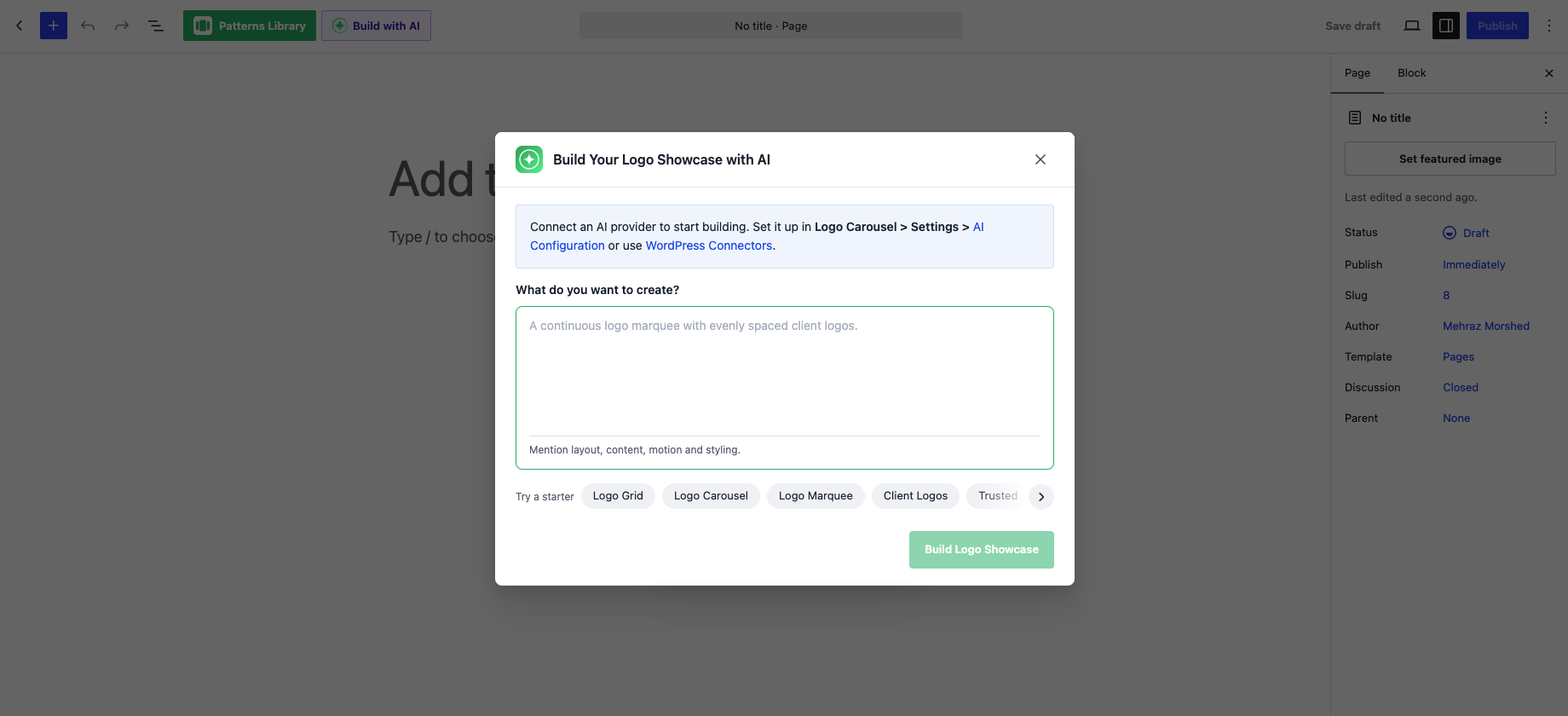
Smart Features: Build with AI
Not sure where to start? Just describe what you want. Build with AI reads your short text prompt, then either suggests a matching ready-made pattern or sets up the block for you. For example, you might ask for a scrolling strip of partner logos. You can also use it to refine a block you have already made.
Here is how it works:
A Library of Ready-Made Patterns
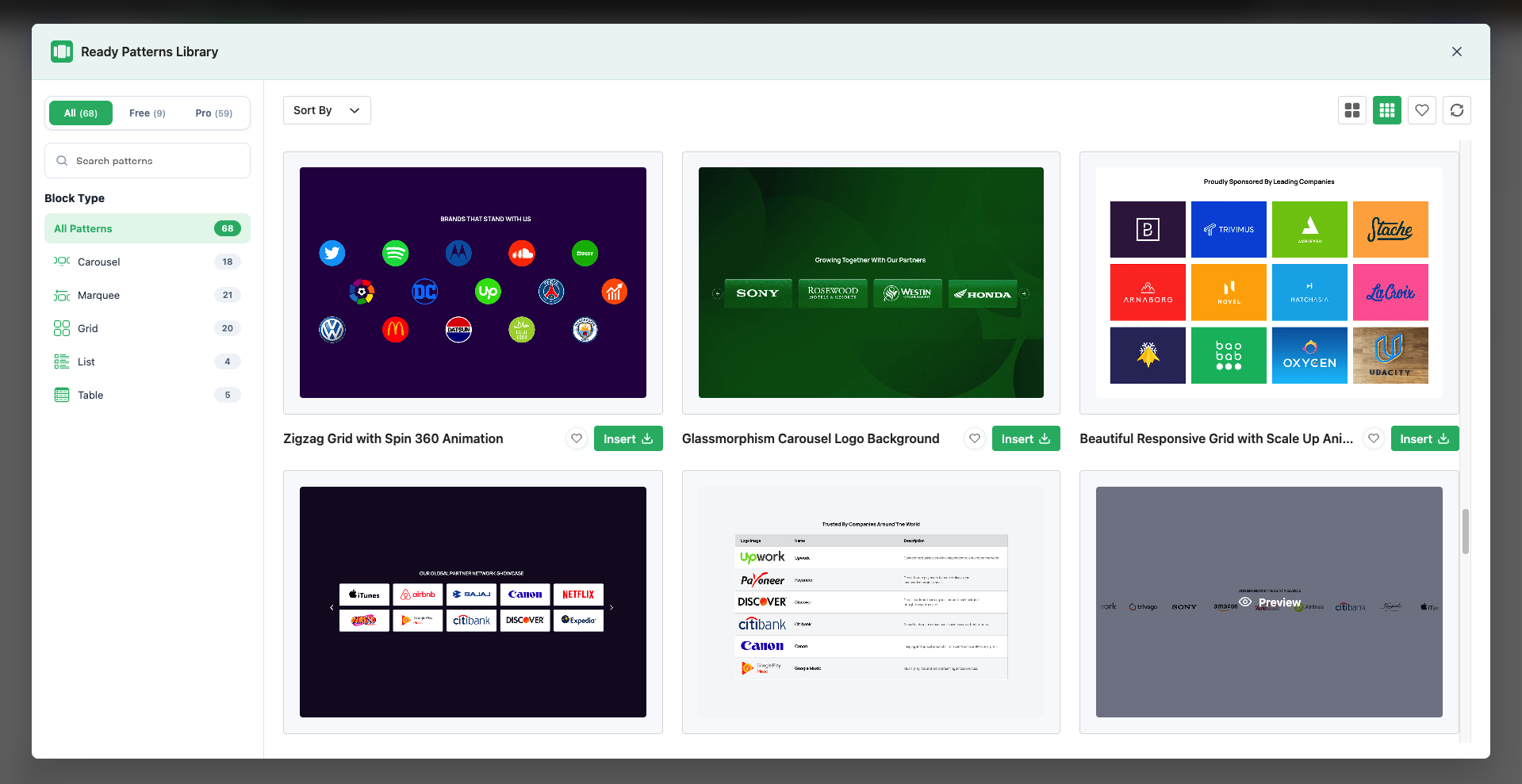
Want a great-looking logo section in seconds? Open the Ready Patterns library and choose from ready-made logo layouts. Insert the one you like, then customize it to match your brand. You can also mark patterns as favorites to find them quickly later.
The pattern library loads from the Logo Carousel pattern server, so your site needs an internet connection to browse it.
A Completely Revamped Dashboard
Logo Carousel now opens with a brand-new Getting Started dashboard, the first item in the Logo Carousel menu. It brings the important parts of the plugin into one place:
A Logo Showcase Placements table shows every page, post, template and widget area where your logo blocks, shortcodes or saved templates appear. It even lists shortcode views you have not placed anywhere yet. Bookmarks to the old Settings and Analytics pages now take you to the new dashboard automatically.
Smarter Logo Analytics
The Analytics tab helps you see which logos get attention:
As before, tracking only runs when you turn on the Logo Analytics setting.
Powerful New Modules
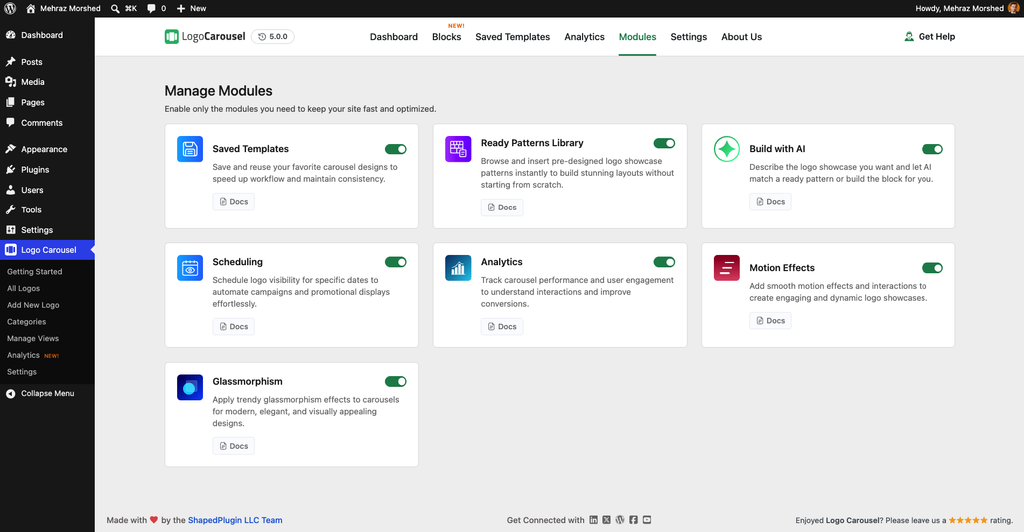
Version 5.0.0 introduces modules. A module is a feature you can switch on or off with one click, so you keep what you need and turn off the rest.
All modules are on by default. You can also hide individual blocks you don’t use.
Seamless Integration with Popular Page Builders
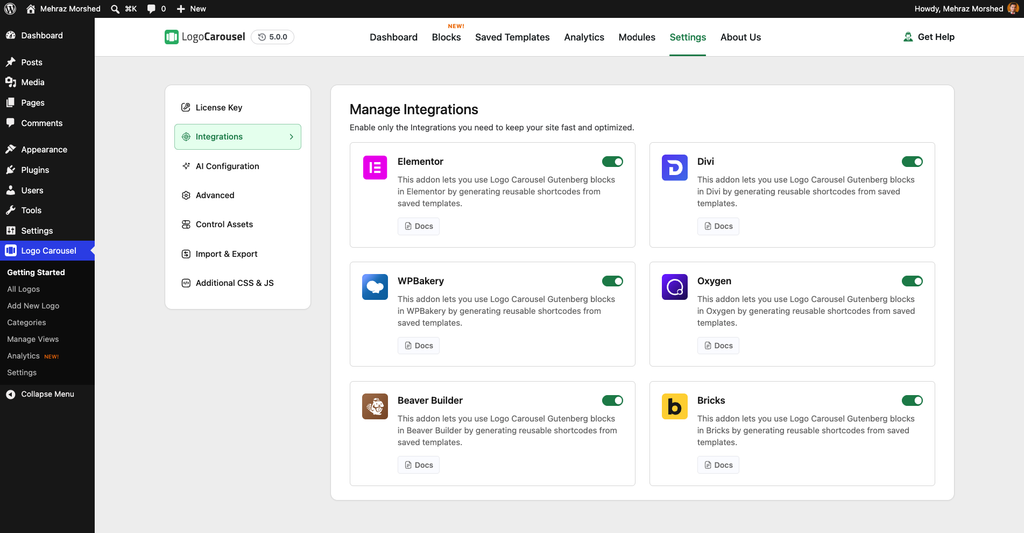
Love your page builder? Logo Carousel v5.0.0 adds a dedicated element for:
Here is the idea. Design your logo layout once with the blocks and save it as a template. Then drop that template into any page with the Logo Carousel element in your builder. Each integration loads only when its page builder is active, and you can turn each one on or off in Settings.
More Fixes and Safety Improvements
What Stays the Same
Your logos, categories, shortcode views, settings and analytics data all carry over, and there is no extra data migration work. The older shortcodes, the classic shortcode block and the classic Elementor widget all keep working. You can move to the new blocks at your own pace.
Before You Update: A Few Things to Know
How to Update to Logo Carousel v5.0.0
Frequently Asked Questions
Q. What is new in Logo Carousel v5.0.0?
Version 5.0.0 adds five block editor blocks (Carousel, Marquee, Grid, List and Table), Build with AI, a ready-made pattern library and a revamped dashboard. It also adds seven switchable modules and support for six popular page builders.
Q. Will my existing logo carousels and shortcodes still work?
Yes. Your logos, settings and shortcode views carry over without a migration, and the older shortcode keeps working.
Q. Which page builders does Logo Carousel support?
Elementor, Divi (including Divi 5), WPBakery, Beaver Builder, Bricks and Oxygen. Each one displays a saved Logo Carousel template.
Q. Do I need an API key to use Build with AI?
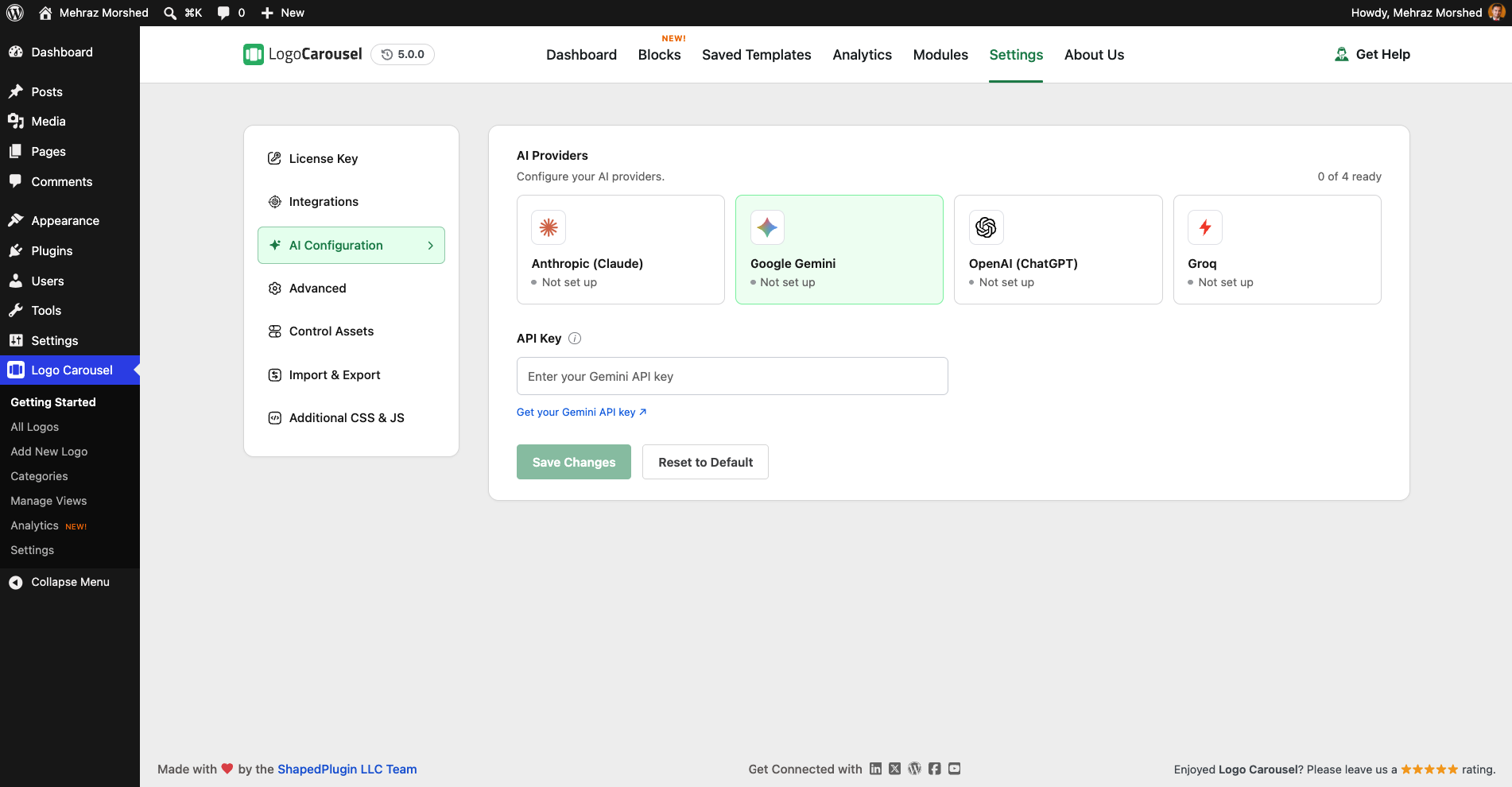
Yes. You can use your own key from OpenAI, Anthropic, Google Gemini or Groq. Or you can reuse a provider you have already connected through WordPress Connectors.
Q. Do the new blocks need an active license?
You can build and preview blocks in the editor without one. To show them on your live site, you need an activated license key. If your license later expires, your blocks keep showing.
Q. What WordPress version do I need?
The new blocks need WordPress 5.8 or later. See the product page for full requirements.
Ready to Try Logo Carousel v5.0.0?
Logo Carousel v5.0.0 brings logo showcases into the block editor, adds AI, patterns and modules, and gives you one clean dashboard to manage it all. Your current setup keeps working, so you can explore the new features at your own pace.
Back up your site first, test on staging and update when you are ready. New to Logo Carousel? See everything it can do.
Leave a Reply
You must be logged in to post a comment.